
Advertisement
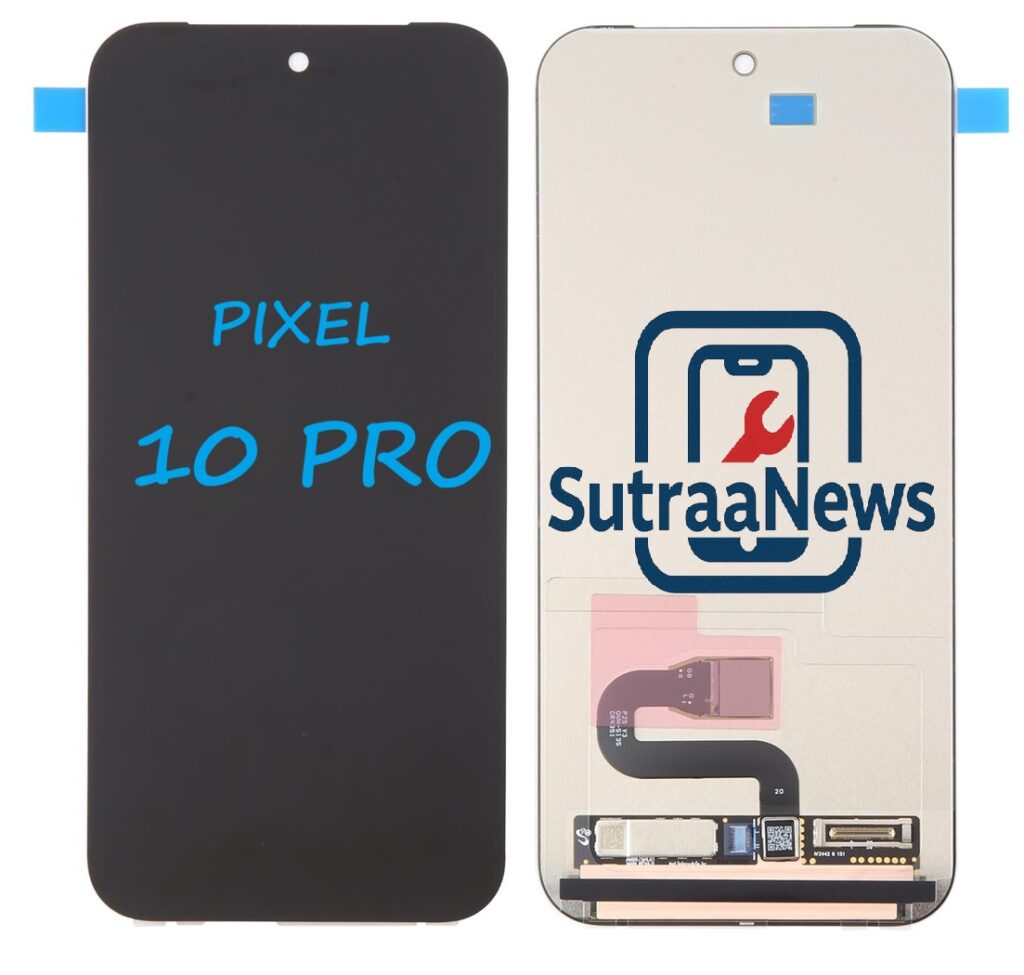
Replacing the LCD screen on your Google Pixel 10 Pro might seem daunting, especially if you’ve never opened up a smartphone before but with the right information, tools, and expectations, it can be approachable. Whether your screen is cracked, unresponsive, or displaying flickers and dead spots, this blog post will walk you through what the process involves, costs to expect, and tips to make the repair successful.
Why Screen Replacements Happen
Many causes can lead to a damaged Pixel 10 Pro display, including:
- Accidental drops or impacts
- Pressure in pockets or bags
- Liquid exposure (even if rated water-resistant)
- Manufacturing defects (rare but reported)
When your LCD digitizer assembly the layer that shows images and detects touch is broken, the phone can become difficult or impossible to use until it’s replaced.
Advertisement
Official vs. DIY Replacement: What You Should Know
Official Repair Options
Google offers authorized repairs through their support channels and service partners. If you have a protection plan like Pixel Care Plus, screen replacements can be covered with a reduced or even zero deductible in some cases.
Pros:
- Genuine parts
- Warranty alignment
- Professional installation
Cons:
- More expensive
- You may be without your phone for several days
DIY or Third-Party Repair
Third-party repair shops and DIY replacements are very common. Genuine or high-quality aftermarket parts can be sourced from online sellers. If you’re comfortable opening your phone yourself.
Pros:
- Lower cost
- Faster turnaround
- Satisfaction of doing it yourself
Cons:
- Risk of damage if you’re inexperienced
- Water resistance may not be fully restored
- Warranty may be affected
Tools & Parts you’ll need For a DIY screen replacement:
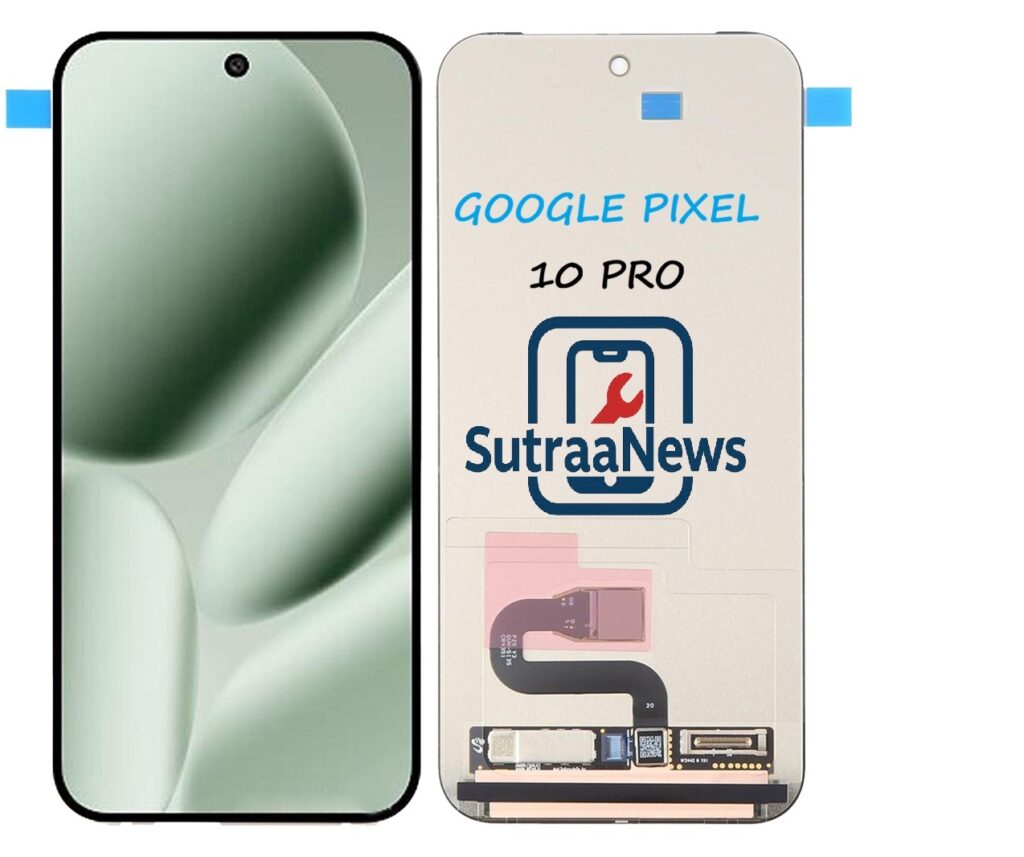
- Genuine or high quality LCD plus digitizer assembly Pixel 10 Pro screens often cost around $240 online.
- Precision screwdriver set
- Suction cup & plastic opening tools
- Heat source heat gun or plate
- Adhesive strips to reseal the display
These kits usually cost anywhere from $250-$300 for parts and tools combined.
Step-by-Step Replacement Overview
Here’s a summarized version of the process based on detailed guides with steps
- Prepare Your Phone Power off completely.
- Let the battery drain below ~25 (safer during repairs).
- Heat & Remove the Old Screen
- Gently heat the edges of the display to soften adhesive.
- Use a suction cup and picks to lift the screen away from the chassis.
- Disconnect the Old Screen
- Remove screws and shields.
- Carefully detach the screen’s flex cable connectors.
- Install the New Screen
- Apply new adhesive strips around the frame.
- Connect the new screen’s cables and test touch visuals before sealing.
- Reassemble and Test
- Replace screws and covers.
- Boot up and check touch response, brightness, and sensors.
Note: Improper heat or force can damage internal components. If you’re unsure, a professional repair is recommended.
How Much It Costs
Costs vary by region and service:
Authorized Service
- Often higher due to labor and genuine parts.
- With protection plans like Pixel Care Plus, wheel-break damage can be covered at low or no cost.
Third-Party Local Shops
- Typical cost in some regions like Nairobi is around KSh 12,000-14,499 for parts and installation.
DIY Replacement
- Parts: ~$240 for a genuine screen
- Tools: $20-$50
- Your time and skill investment
Tips before You Start
- Back up your data!
Repair processes usually don’t erase data, but accidents happen.
- Consider OEM parts
Genuine screens give better color accuracy, touch feel, and longevity compared to cheap knock-offs.
- Be patient and careful with adhesive
Proper sealing helps retain some water resistance.
- Evaluate protection going forward
A good screen protector and case can prevent future mishaps-something even rugged phones benefit from.
Final Thoughts
Replacing the Pixel 10 Pro’s LCD screen can be a cost-effective way to revive a phone that still has a lot of life left. Whether you go DIY or professional, knowing the steps, tools, and costs ahead of time can save you stress and money. Just remember: take your time, choose quality parts, and back up your precious data.
Advertisement